
MacBook M2 graphic card repair in Ajman
When your MacBook M2 suddenly begins displaying flickering screens, askew graphics, or intermittent blackouts, it’s usually not a simple glitch-it’s a warning sign that your graphi...
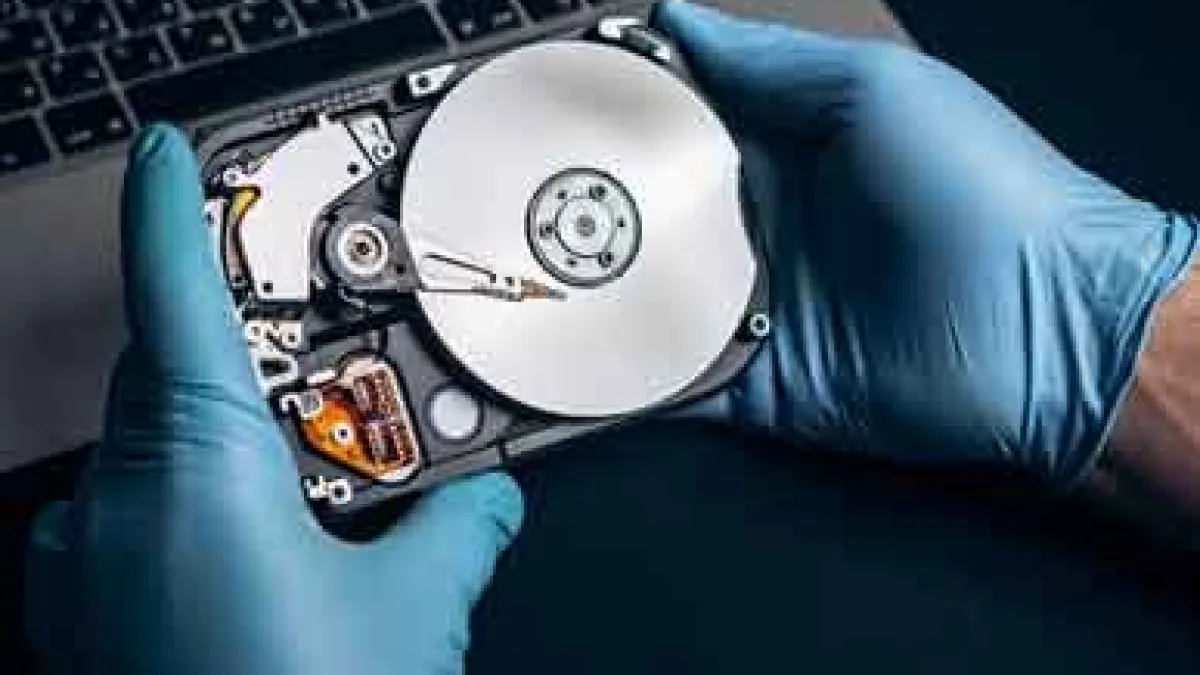
When your MacBook M2 suddenly begins displaying flickering screens, askew graphics, or intermittent blackouts, it's usually not a simple glitch-it's a warning sign that your graphic card (GPU) may be failing.
For anyone living in Ajman who depends on their MacBook for work, design, or studying, GPU issues can be a real thorn in the side. But don't worry-the good news is that expert assistance is just around the corner.
At Mac Repair Ajman, we offer MacBook M2 graphic card repair and replacement services with the support of Apple-certified professionals and original parts. Whether you work on your MacBook for video editing, gaming, or general use, our mission is straightforward-to return your machine to its best performance quickly, at an affordable price, and in a safe manner.
Why Choose Mac Repair for MacBook M2 GPU Repair in Ajman
Selecting the right repair shop can be the difference between a smoothly running Mac and a cause of further frustration.
A lot of local shops might be offering "quick fixes," but without Apple-approved diagnostics and tools, they might do more damage than good.
Below are what sets Mac Repair Ajman apart:
-
Apple-Certified Technicians – Each repair is attended to by certified professionals who know Mac hardware through and through.
-
State-of-the-Art Diagnostics – We employ the best logic board and GPU testing equipment to identify precise faults prior to repair.
-
Genuine Spare Component – Only authentic Apple or first-rate OEM components are utilized in replacements.
-
Pickup & Delivery in Dubai & Ajman – We pick up, repair, and deliver your MacBook straight to your doorstep.
-
Clear Pricing – No surprises-only transparent quotes prior to repair commencement.
If your device is as precious as a MacBook M2, you should have nothing but certified attention.
Typical Indications of MacBook M2 GPU Issues
Your MacBook's GPU (Graphics Processing Unit) deals with visuals-image rendering to video playback. When it begins to fail, you might experience:
-
Screen Flickering or Artifacts – Erratic lines, twisted colors, or pixelated zones.
-
Black or White Screen at Bootup – Frequently due to GPU communication breakdown.
-
Random System Crashes or Reboots – Particularly when performing graphics-intensive tasks such as editing or 3D rendering.
-
Overheating & Fan Noise – The system gets hotter than usual due to a faulty GPU.
-
External Display Not Working -HDMI or Thunderbolt displays fail to detect the MacBook.
If you notice any of these problems, it's better to have your device inspected at once. GPU failures can lead to damaging the logic board or power circuits later on-whereby repairs become costly.
Our Expert MacBook GPU Repair Process
We don't simply replace parts at Mac Repair Ajman. We conduct a systematic, step-by-step diagnosis to ensure each repair is precise and durable.
Here's what our MacBook M2 graphic card repair service entails:
1. Initial Evaluation
We start with a thorough hardware and software examination. Our Apple-certified engineers determine if the problem is caused by GPU, logic board, or software corruption.
2. Thermal & Power Analysis
We track GPU voltage and heat generation under load to verify internal chip failure or overheating.
3. Micro-Soldering & Chip Rework
If your faulty GPU chip, we can rebill or reflow it with our precision soldering tools-re-establishing GPU connections without having to replace the whole board.
4. Component-Level Repair
In some instances, blown capacitors, resistors, or ICs are swapped out to stabilize GPU functionality.
5. GPU Replacement (If Necessary)
If the chip cannot be repaired, we swap it out with an original or OEM Apple GPU module—getting your MacBook back to full life.
6. Final Testing & Quality Control
Before shipping, every repaired device is tested multiple times: temperature control, GPU stress testing, screen calibration, and system stability checks.
MacBook GPU Repair vs. Replacement – What's Best for You?
An important question most customers ask is: Do I repair or replace my GPU?
Here's a quick comparison to make the decision easier for you:
| Option | Repair (Chip Rework) | Replacement (New GPU) |
|---|---|---|
| Cost | More cost-effective | Higher but long-term solution |
| Time | 1–3 business days | 3–5 business days |
| Performance | Restored to almost original | 100% brand-new performance |
| Warranty | 3–6 months | 6–12 months |
Experiencing Apple Hardware Issues? Expert Repair for MacBook Repair in Dubai
Do not risk permanent logic board damage or data loss with unqualified technicians. Contact our Dubai laboratory for a free 100% no-obligation diagnostic assessment.
Related Articles
Explore more lab guides, recovery procedures, and case studies
MacBook M4 Graphic Card Repair in UAE
Aug 28, 2025
MacBook M4 Screen Repair in Abu Dhabi
Aug 26, 2025Specialized Hardware Services & Apple Models
Interconnected repair solutions across all Apple MacBook hardware fault types and device generations.